
QR codes on business cards: what to link and where to print
Choose the destination, leave room around the code and test the exported card at its real size.
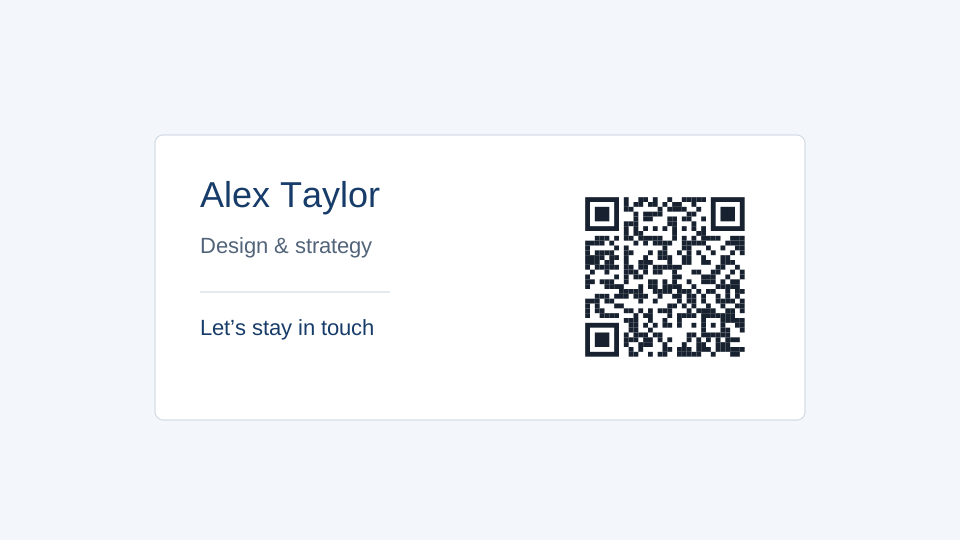
A business card has very little space to explain a mistake. Decide what a scan should do before choosing the pattern: open a profile, show several contact links, or import a contact into an address book. Those are different outcomes, even if the printed squares look alike.
Start with the destination
A vCard stores contact fields in the QR image. A compatible phone may offer to save them, but the fields cannot be changed inside an already printed static code. A profile URL is often shorter and can show current details. For a managed destination you expect to change, create a dynamic code in your workspace before laying out the card.
Keep a readable name and at least one ordinary contact method on the card. A QR code should offer a useful next step without making a phone compulsory.
Give the code its own space
Open the template library and choose Minimal contact card or Contact card. Replace the sample name and destination. Keep the QR square clear of the name, border and other artwork. The empty area built into the tile is part of the code; do not crop it away to make the pattern appear larger.
A long vCard can contain more modules than a short web address. That means a size that worked for a website code may be too small for the contact payload. Use the actual content in the print size checker, then test the final designed version as well.
Prepare a small, useful test
- Export the card as PDF or SVG at its intended dimensions.
- Print at 100%, with fit-to-page disabled.
- Scan it with more than one phone in ordinary light.
- Check the resulting contact fields or page, rather than stopping when a link appears.
Prepare cards for several people
Use a CSV with separate columns for name, role and URL. Keep identifiers and phone numbers as text so spreadsheet software does not remove leading zeros. Import no more than 200 rows into the print studio and preview records from the beginning, middle and end. A consistent card layout does not mean the destinations are interchangeable: each row needs the correct person’s link.
For editable links, create the dynamic codes first and select the saved codes in the workspace. A CSV containing direct profile URLs creates static links in the labels; it does not automatically create managed redirect records.