
Menu QR cards: design a clear invitation to open the menu
Build a readable table card, choose an update strategy and check the experience from seat to screen.
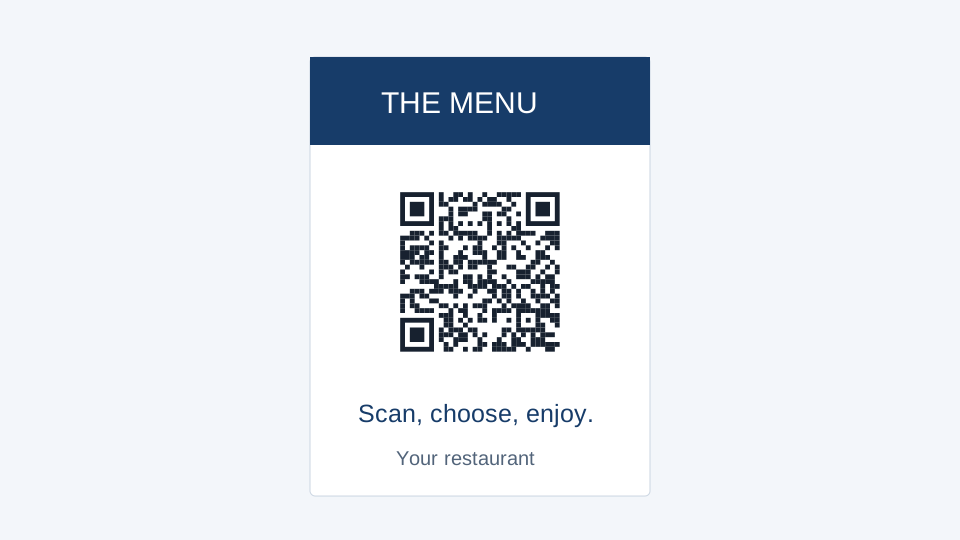
A guest should know what will happen before scanning. Put a short action such as “View menu” near the code and keep the restaurant name visible. Decorative artwork can support the card, but the destination and the QR tile need priority.
Make the mobile menu work first
Open the menu on a phone over an ordinary mobile connection. Check text size, loading time and whether a PDF requires repeated zooming. A QR card is only the doorway: it does not turn a desktop page into an accessible mobile menu.
If your menu is a PDF, upload the file in your workspace and create the appropriate QR link. Check the uploaded document before printing. Prices, allergens and availability remain your responsibility to maintain in the destination content.
Choose how future changes will work
A static URL is suitable when you control a stable page and can update its content there. A dynamic QR code lets you switch the managed destination later. Keep that code active and consider the applicable plan before committing to a large print run. A static QR image itself cannot be rewritten after printing.
Use a layout built for the table
Choose Menu table card in the template library. Replace the restaurant name, bind the QR component to your actual menu URL and edit the action text. The portrait layout is a starting size, not a claim that it fits every holder. Measure the visible area of your holder and allow for material hidden behind its frame.
A second code can lead to feedback or booking information, but label it clearly and keep enough distance between the two. Use the two-code layout when both destinations are necessary; more choices are not always a better table experience.
Approve the complete journey
- Export the card and print it at actual size.
- Place it inside the intended holder.
- Scan from the guest’s position under the restaurant’s normal lighting.
- Confirm that the correct menu opens without requiring an account.
- Keep an alternative way to access the menu for guests who cannot scan.
When replacing the menu later, test an already printed card. Testing only the newly opened destination misses problems with the redirect, file publication or the link originally encoded.