
Add your destination
Choose the page, document or resource that you want to share.
Replace a long web address with a redirect link, then keep the destination current.
Sign up to shorten linksShare a simple link instead of a long URL.
Use the saved link in messages, emails or a QR code. Change its destination from your user center when a campaign moves. Custom-domain hosting is not available yet; use the standard redirect domain.
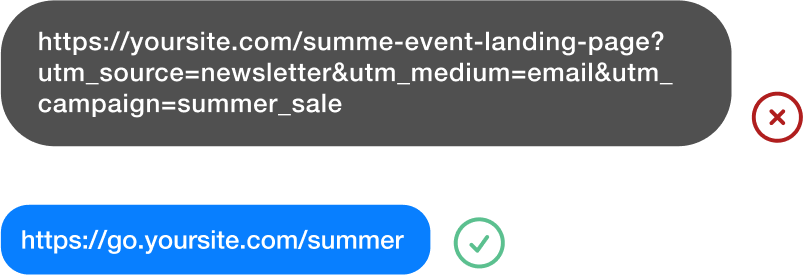
Choose the page, document or resource that you want to share.
Give your link a name and save it in your workspace.
Share the link in emails, messages and campaigns, and review visits in your analytics.
Import names and destination URLs, preview invalid rows or reserved slugs, then save a batch. Export the resulting mapping so each campaign keeps the correct short link.
Include a name and URL, with an optional custom slug.
Review invalid URLs and taken slugs before saving anything.
See which rows were created and reuse the same result when retrying a batch.
Create dynamic QR codes, landing pages and forms in the same workspace.
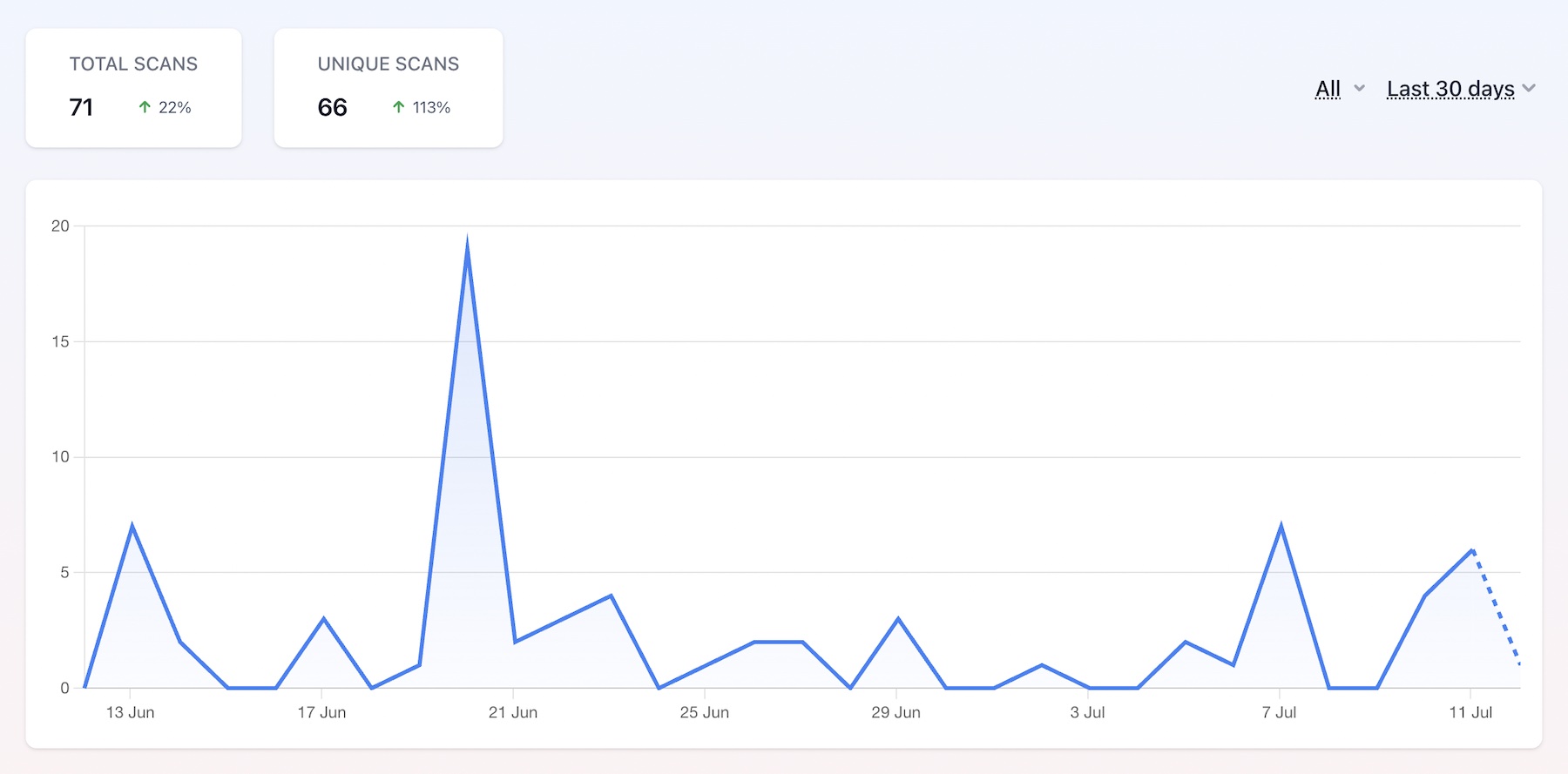
Compare recorded dynamic scans over a selected date range.
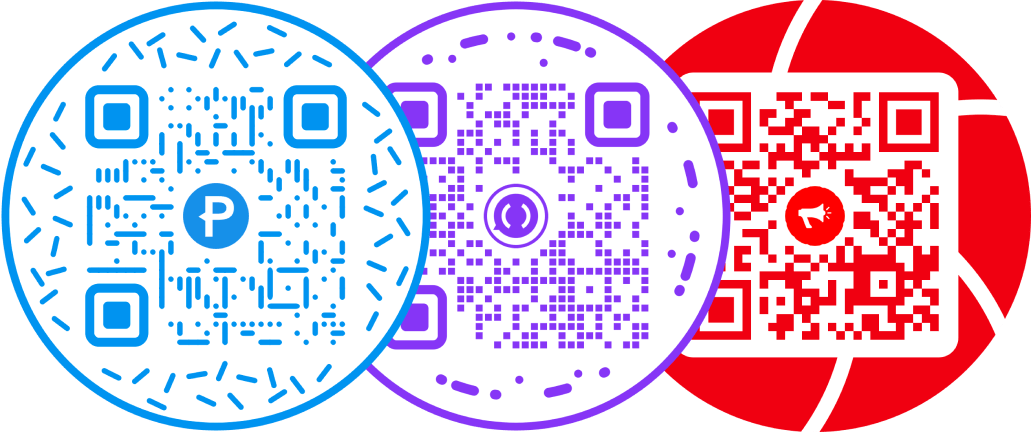
Put a round frame around a QR pattern designed to stay readable.
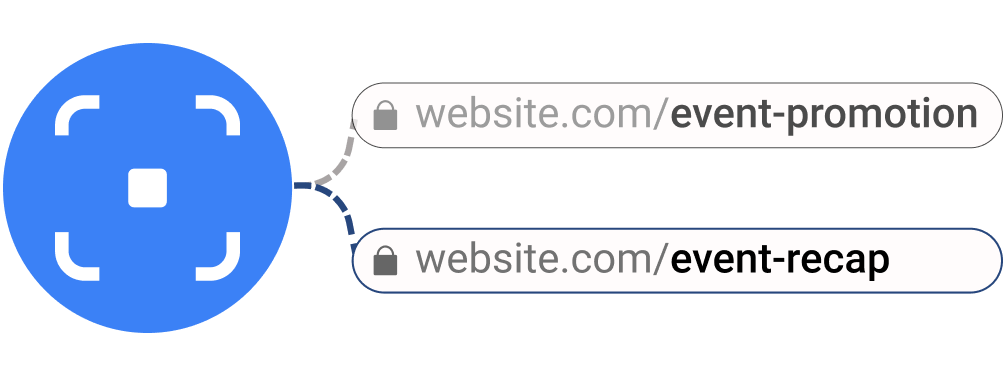
Maintain a campaign destination behind the same printed redirect.

Make the design recognizable, then test the exported file.