
Select a theme
Choose one of four starting points for your page.
Give visitors a clear choice of destinations instead of printing a separate code for each link.
Select a starting point for your micro landing page
Combine a website, booking link, social profile or document destination on one mobile page. Give each link a useful label so visitors know where a tap will take them.
Choose a theme and add your title, description and links. Save the draft, check it on a phone, then publish. Later draft edits stay separate from the live version until you publish again.
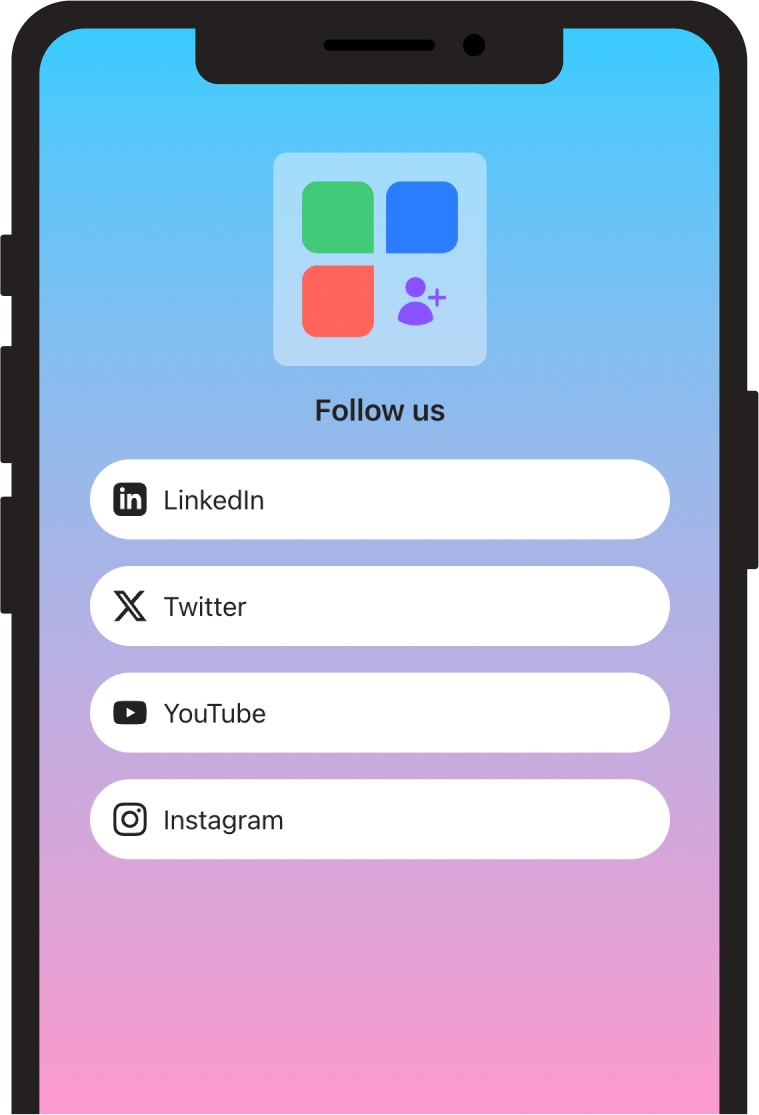
Choose one of four starting points for your page.
Add a title, description and links to your website, booking form or social profiles.
Review your saved draft, publish it, then share the page link or its QR code.
Manage dynamic QR codes, pages, forms and short links together.
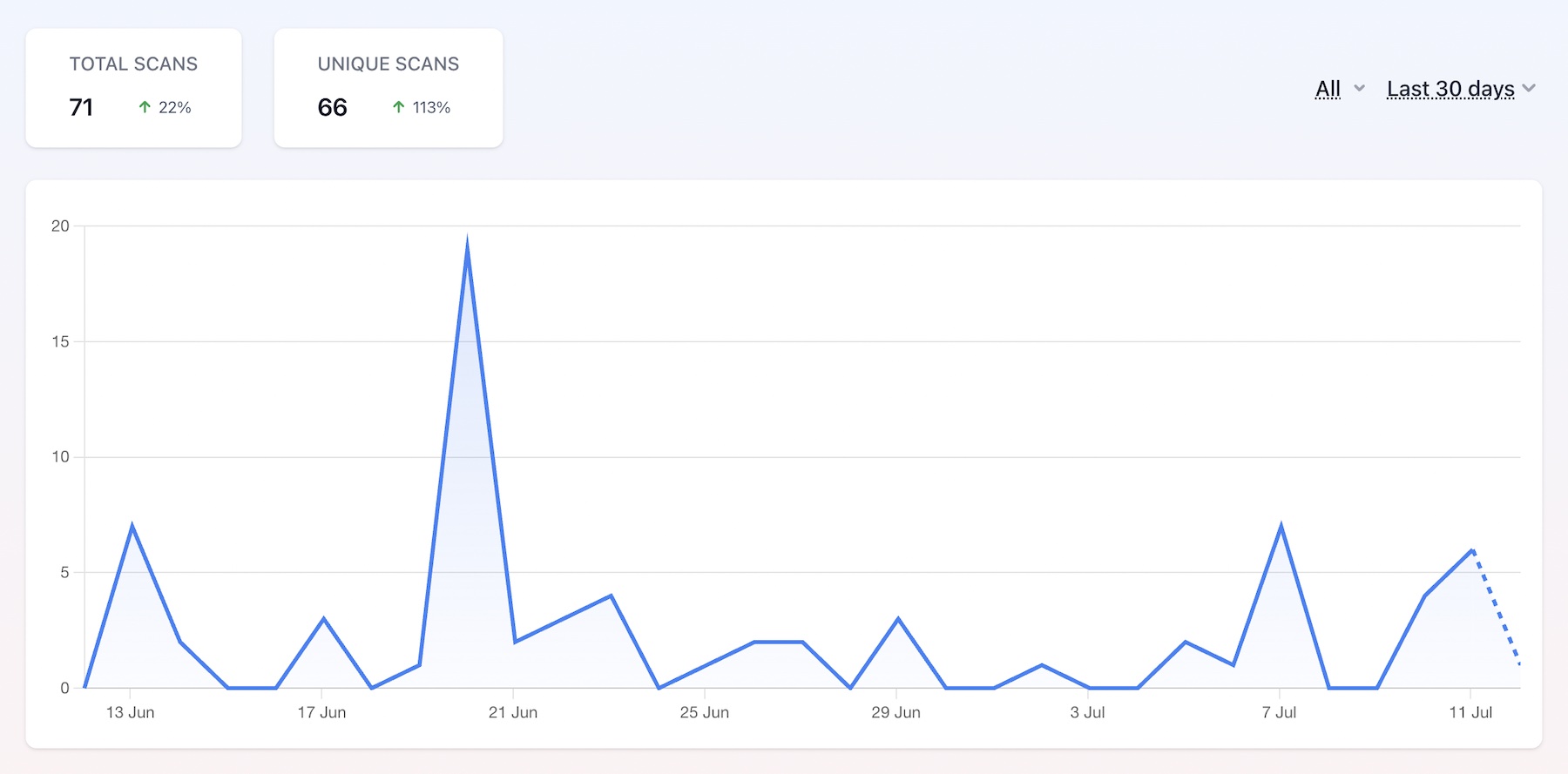
Compare recorded dynamic scans over a selected date range.
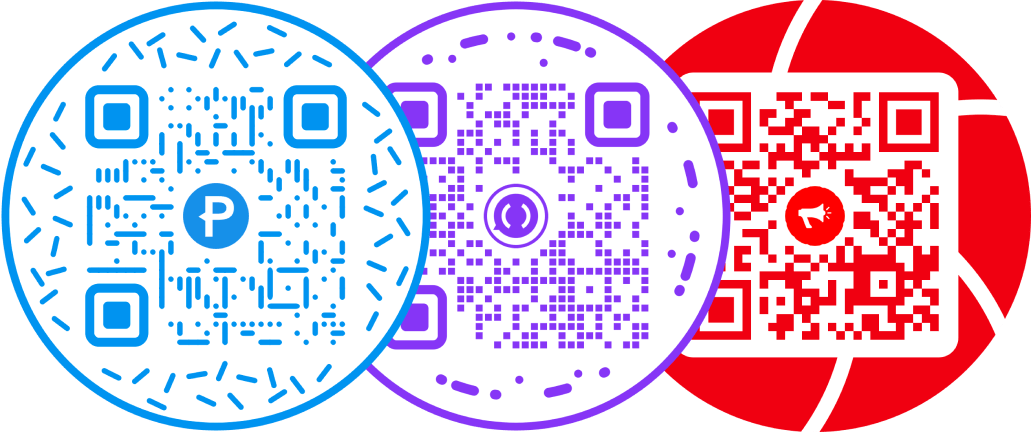
Put a round frame around a QR pattern designed to stay readable.
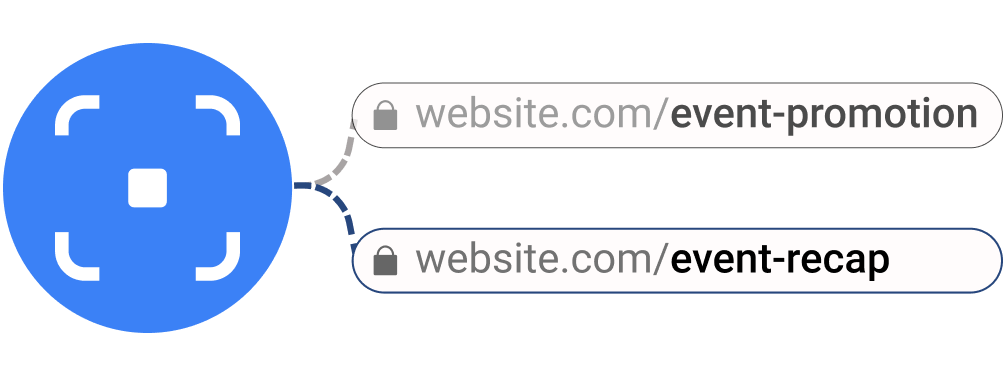
Maintain a campaign destination behind the same printed redirect.

Make the design recognizable, then test the exported file.