
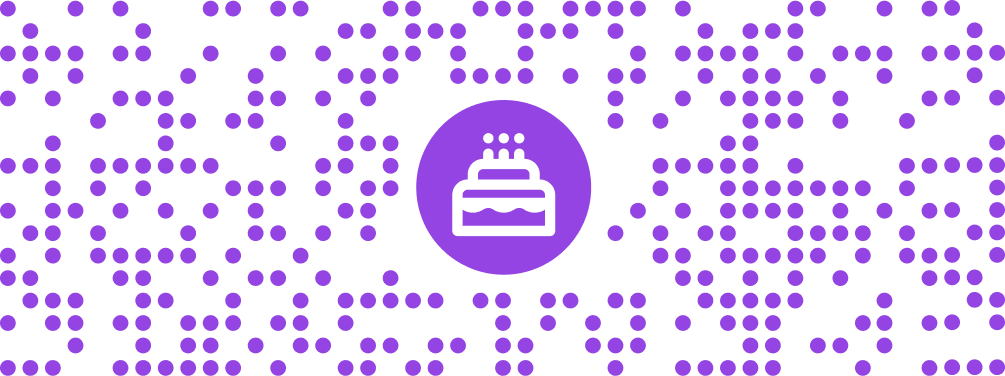
Add a logo to your QR code
Match a code to your packaging or business card with a PNG or JPEG logo, brand colors, and a scan check before printing.
Your QR designs and published pages keep their own colors.
Make a free static QR code and download PNG or SVG. Create an account for editable destinations and scan reports.Make a free static QR code and download PNG or SVG.
Create a free static QR code without signing up.
PDF, up to 20 MB
Sign in to host your PDF and update it without reprinting.
Address is not included in the QR code.
Add different resource types and choose which one opens when the QR code is scanned.
Paste the original Zoom invitation link to preserve its encrypted passcode. With only a meeting ID, Zoom may ask visitors for the passcode.
The payment app processes the request. This QR code does not confirm payment.
The first matching rule wins. Empty weekdays or times mean every day or all day.
Compare plan limits before saving a smart code. Compare plans
Save an editable QR code to your workspace and see its recorded scans.
Learn about dynamic QR codesAddress preview
Only new codes use this selection. Existing printed addresses stay the same.
Some custom domains are not ready or are outside your plan allowance.
Sign in to save your content and choose your workspace domain.
PNG/JPEG, up to 1 MB and 4096 × 4096 px
Static codes keep the content you encode. Dynamic codes use a managed link that you can update; the link must remain active.
Choose print colors, physical dimensions and CMYK PDF or TIFF export.
Raster export: 150, 203, 300, 600 or 1200 DPI, within image-size limits. Higher DPI does not make a physically small code easier to scan.
CMYK QR code Read the CMYK QR code printing guideCompare total and estimated unique scans by date, review each code, and export a CSV. Static codes do not send scan events to QRCodeTransfer.
Use the arrow keys to explore daily scans.
Match a code to your packaging or business card with a PNG or JPEG logo, brand colors, and a scan check before printing.
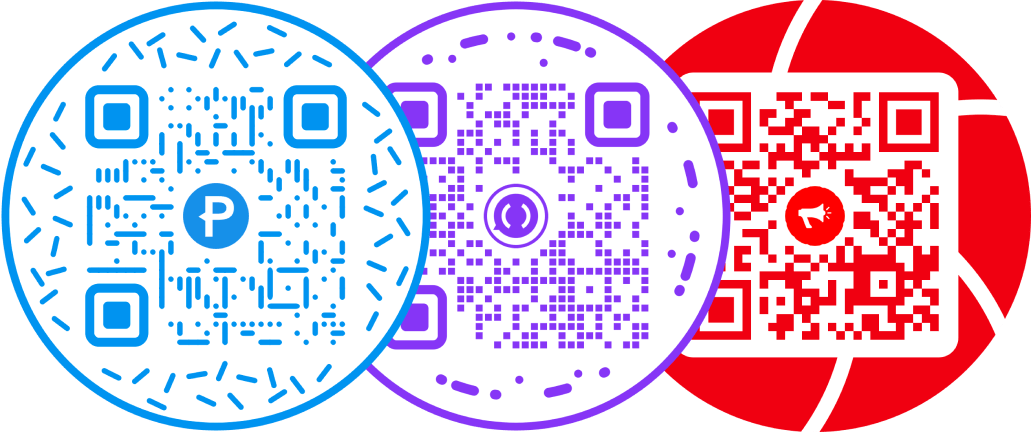
Choose a circular frame while keeping the square QR matrix and clear space needed for scanning.
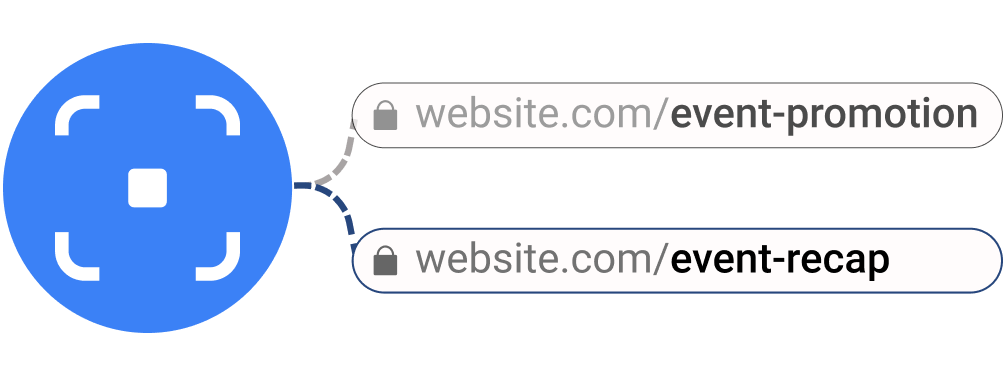
Save a dynamic QR code in your workspace, then change its destination without replacing the printed image.
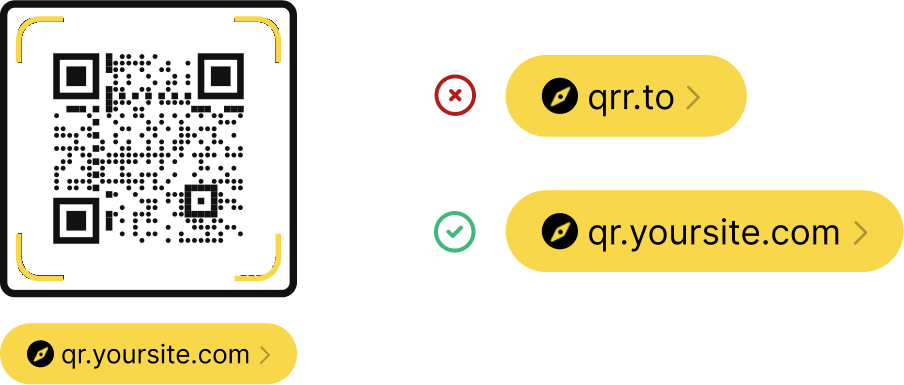
Connect a subdomain, complete DNS and HTTPS checks, then select it when creating new codes and links.
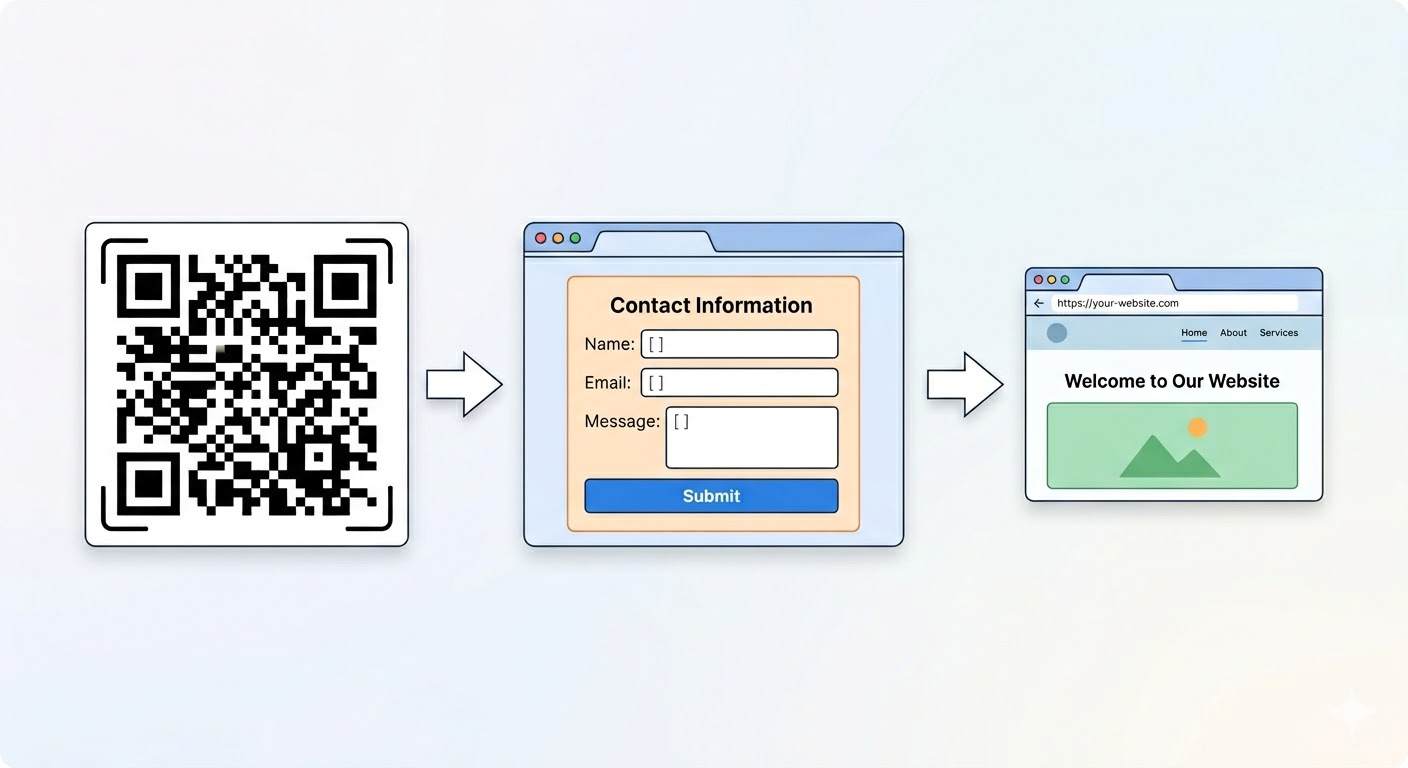
Build and publish a form, share its code, and review responses from the same workspace.
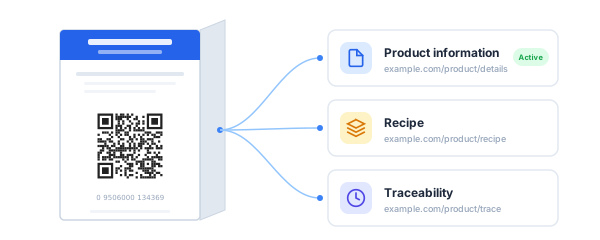
Build a GS1 Digital Link with your product identifiers and review the encoded URL before using it on packaging.
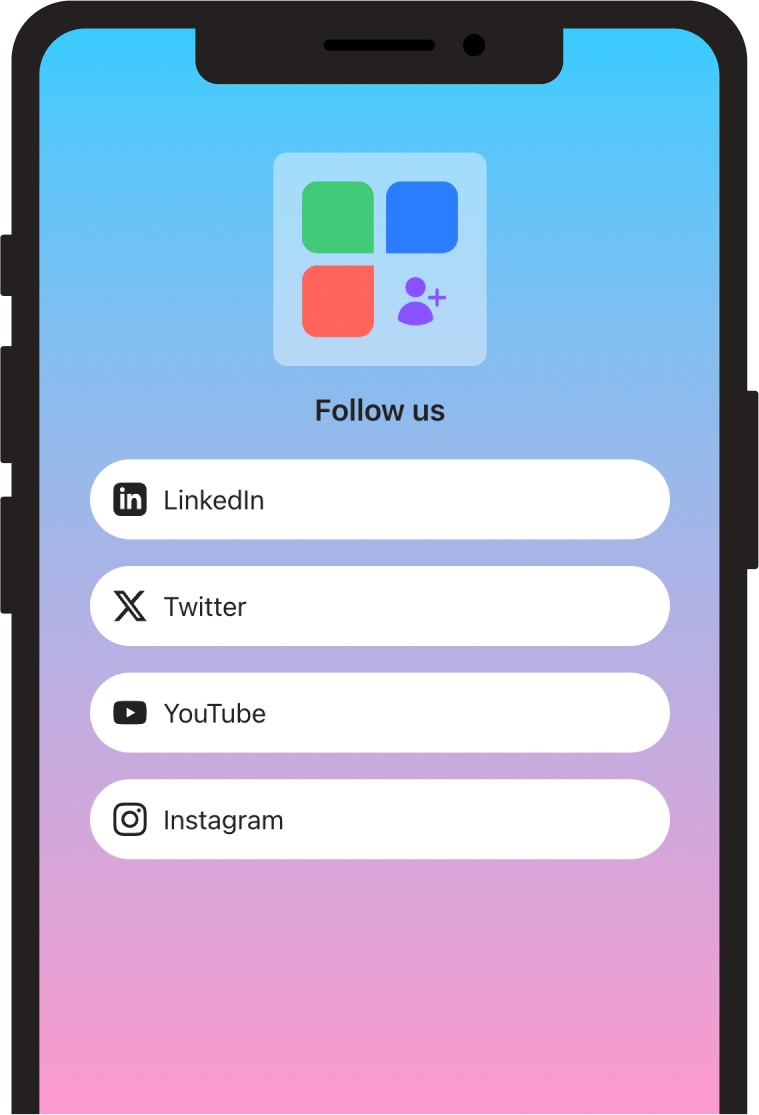
Publish a mobile page with links and resources, then share it through a single QR code.
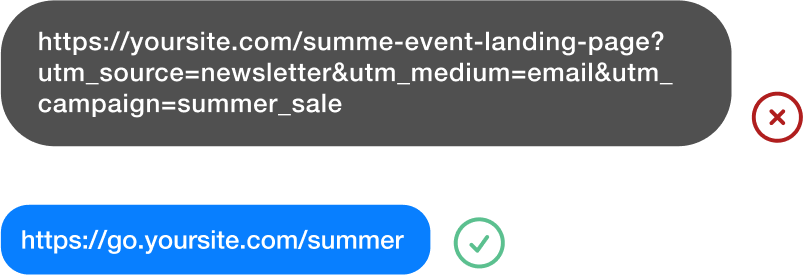
Create a short URL, update its destination, and check recorded visits from your workspace.
Create an account to save dynamic codes, update destinations, and review scan activity in your workspace.
Save dynamic codes, update destinations and review scans in your workspace.