
Add your content
Choose a destination URL or another supported content type.
Put a manual, menu or document behind a QR code that opens in a browser.
PDF, up to 20 MB
Sign in to host your PDF and update it without reprinting.
Address is not included in the QR code.
Add different resource types and choose which one opens when the QR code is scanned.
Square or circle PNG/JPEG, up to 1 MB
Sign in to upload a PDF, then choose a static or dynamic QR code for the document. A dynamic PDF code can point to a replacement file while retaining its printed address. A static code keeps the original file link. Publish the intended document and test access without signing in.
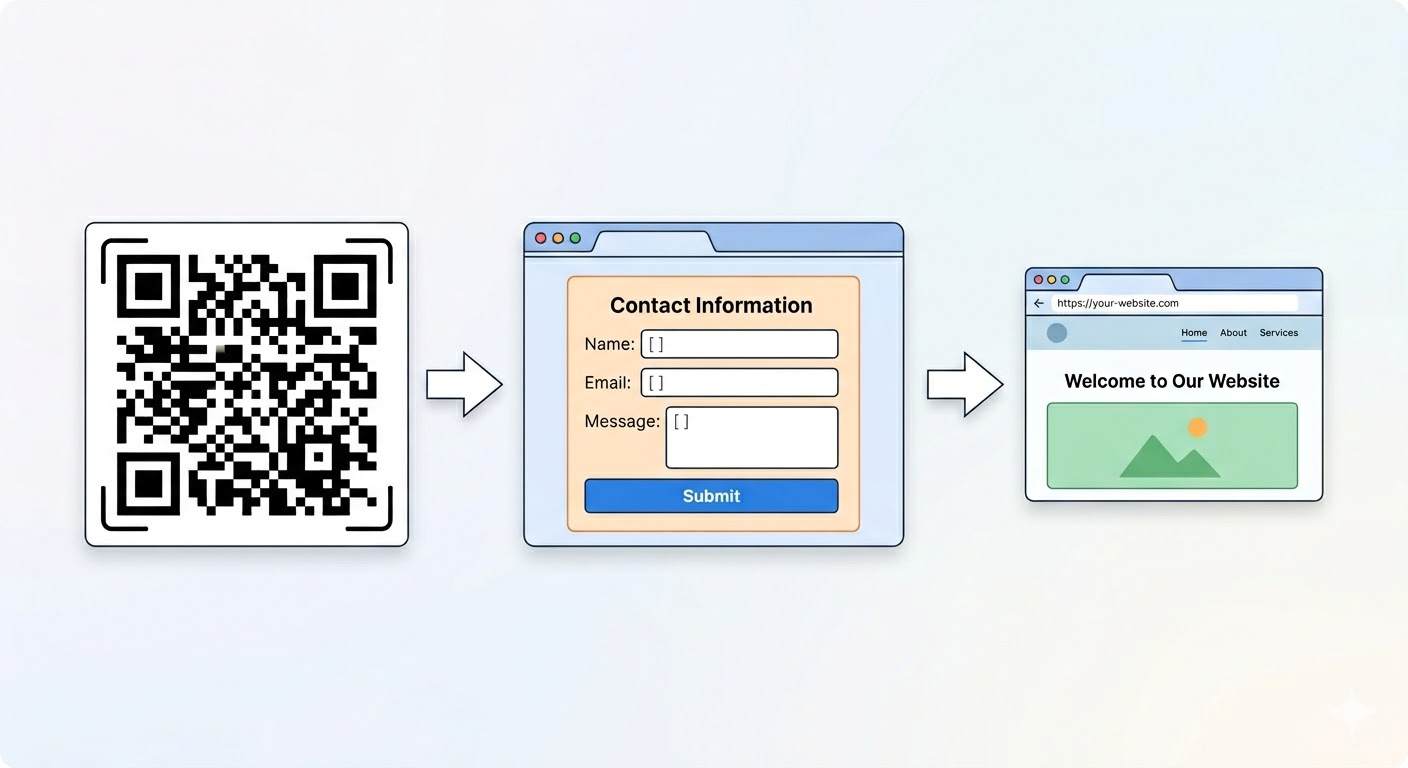
Choose a destination URL or another supported content type.
Pick a starting point, customize the colors and add your logo.
Download a static code, or sign up to save and edit a dynamic one.
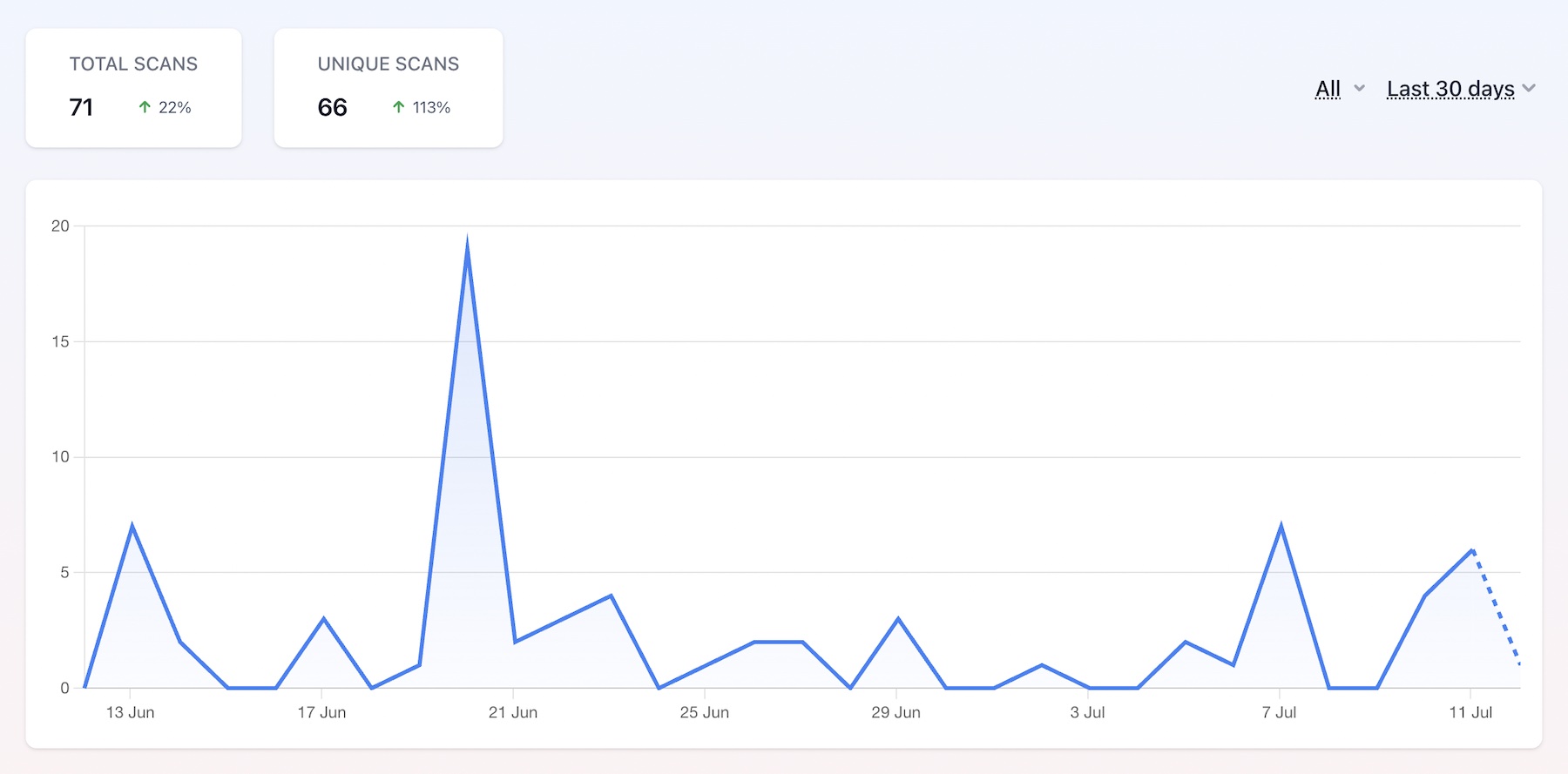
Compare recorded dynamic scans over a selected date range.
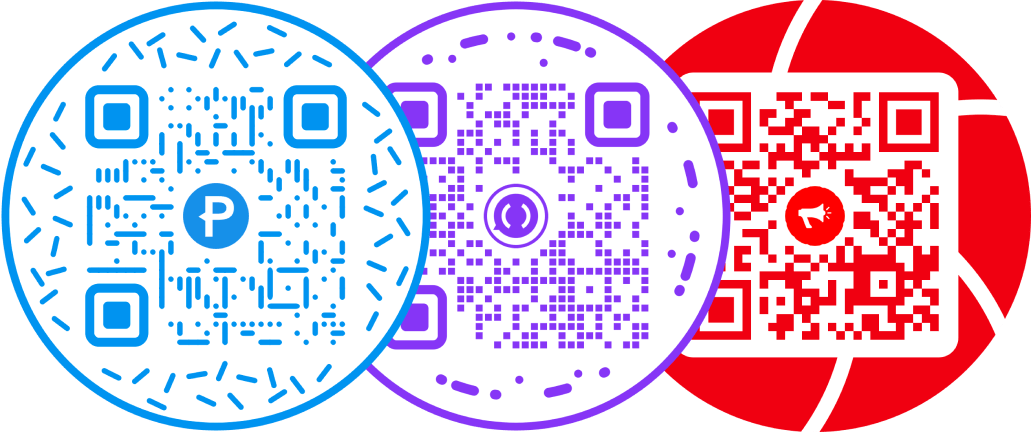
Put a round frame around a QR pattern designed to stay readable.
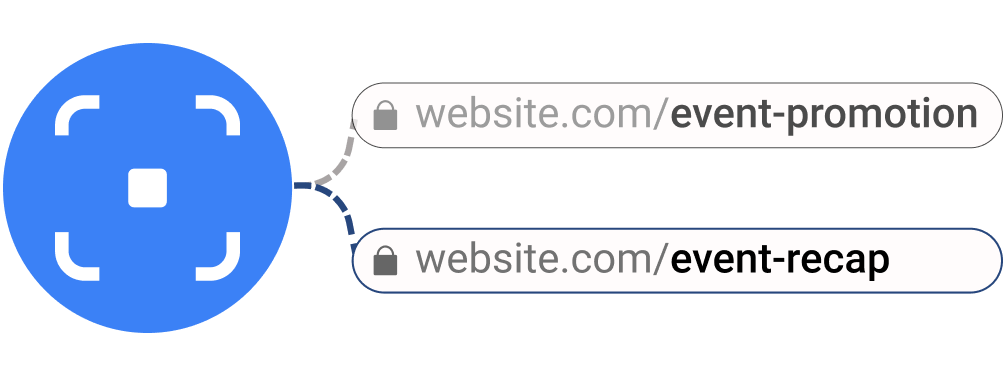
Maintain a campaign destination behind the same printed redirect.

Make the design recognizable, then test the exported file.
A dynamic PDF code can be updated to point to a new uploaded file. A static code retains its original file link and must be regenerated for a different link.