
Build your form
Add questions, choose field types and arrange them in the right order.
Build a question flow for feedback, registrations or requests, then share it in print or online.
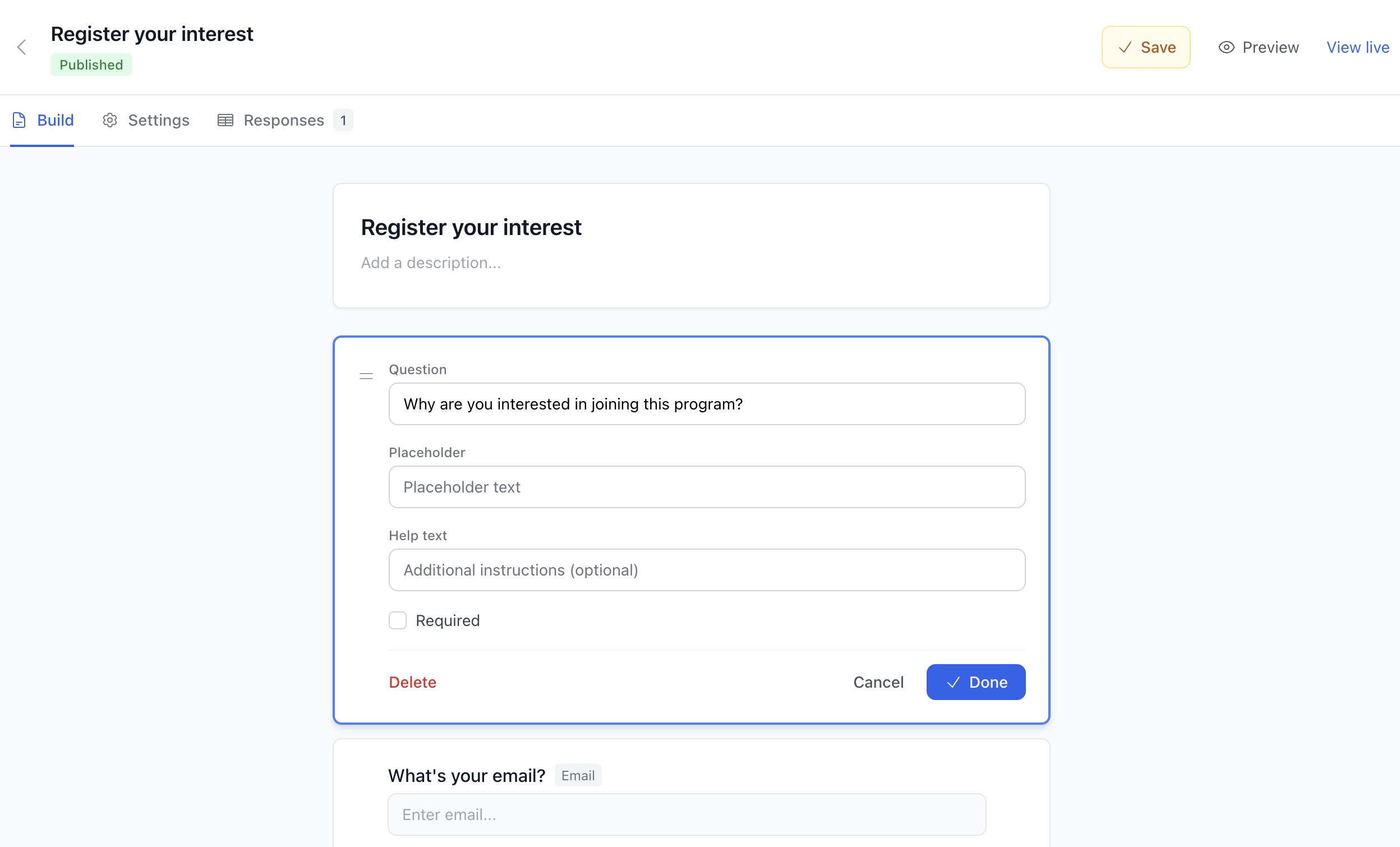
Add questions, choose field types and arrange them in the right order.
Save your form, publish it and share the link or download its QR code.
See submitted answers in your user center, and close the form when it is finished.
Review submitted answers in the user center, with the published field definitions that were shown to each respondent.
Choose text, choices, ratings or page breaks to fit the question. Image-upload fields require an eligible plan; closing a published form stops new responses without removing its page.
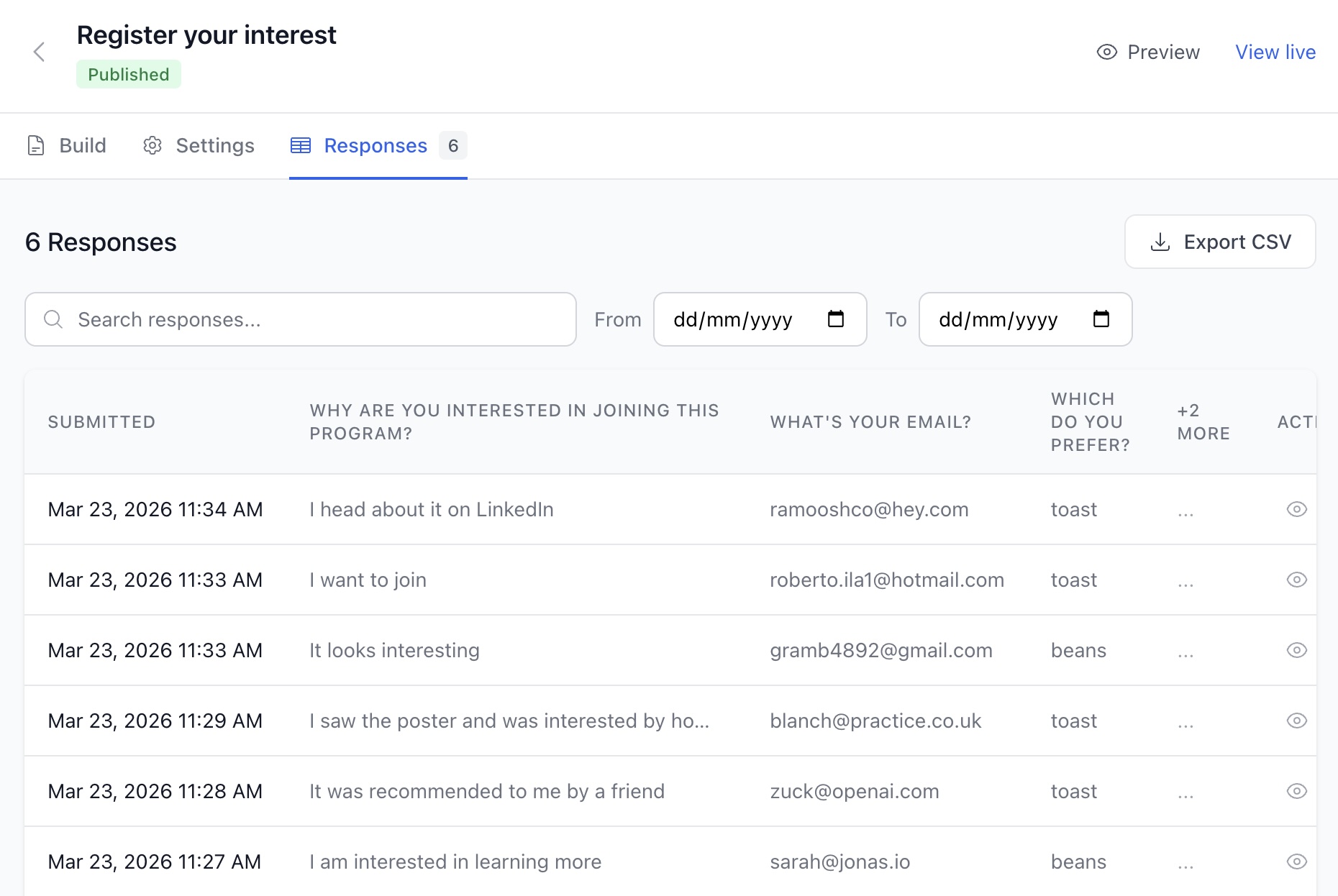
Short and long text, email, phone, website, dates, numbers, dropdowns, multiple choice, checkboxes, image choice, rankings, ratings and opinion scales.
Add statements and page breaks for longer forms. Email notifications and conditional outcomes are not available yet.
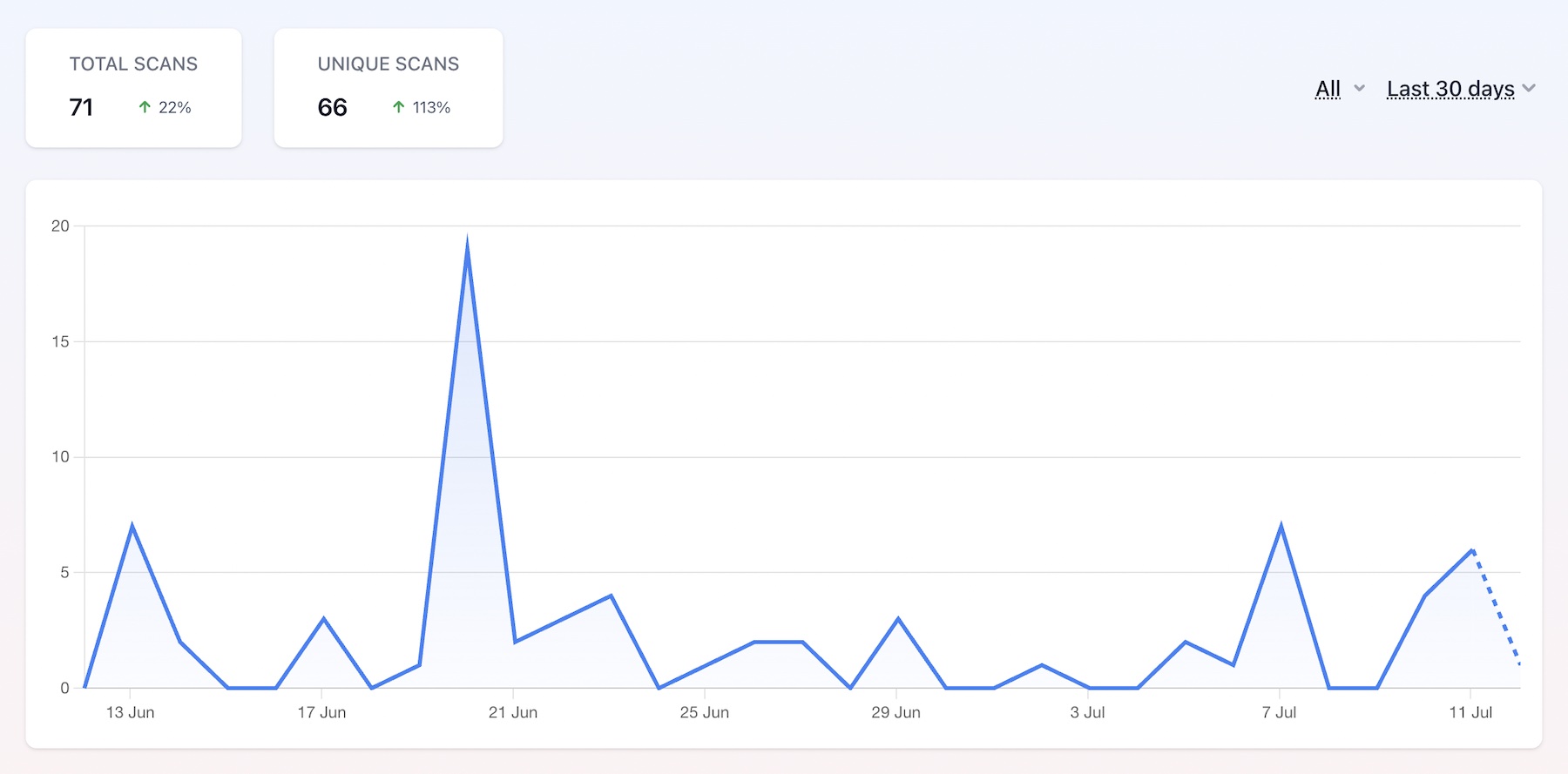
Compare recorded dynamic scans over a selected date range.
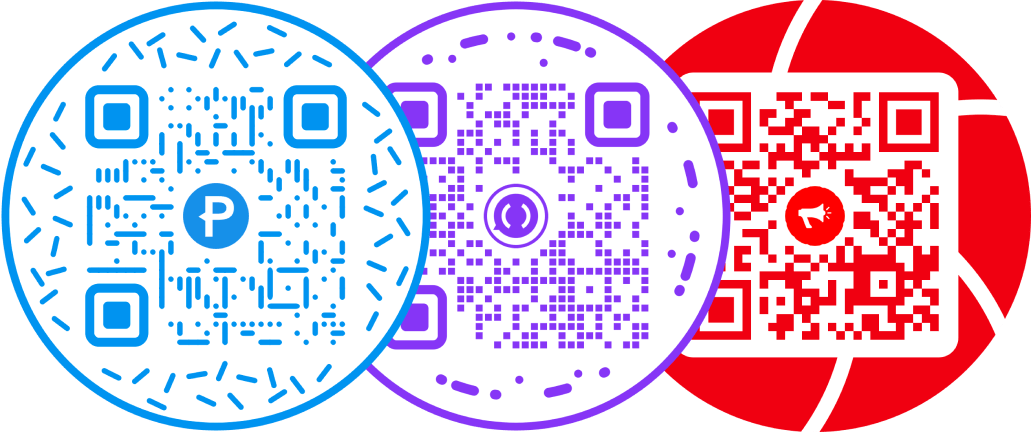
Put a round frame around a QR pattern designed to stay readable.
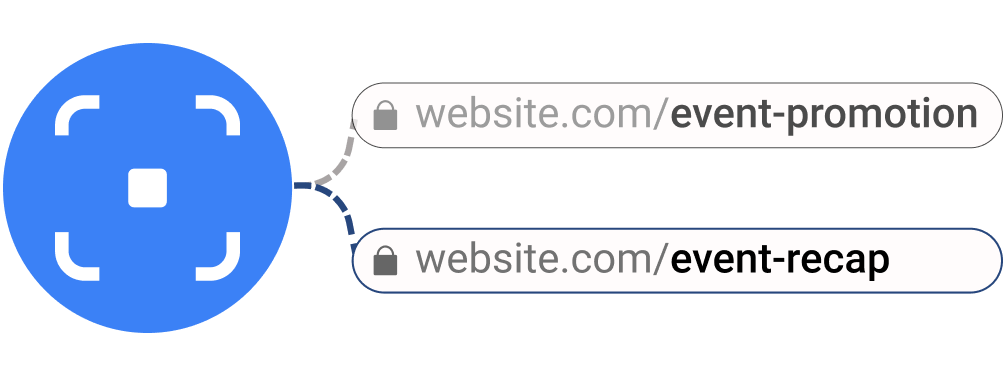
Maintain a campaign destination behind the same printed redirect.

Make the design recognizable, then test the exported file.